
TABLE OF CONTENTS
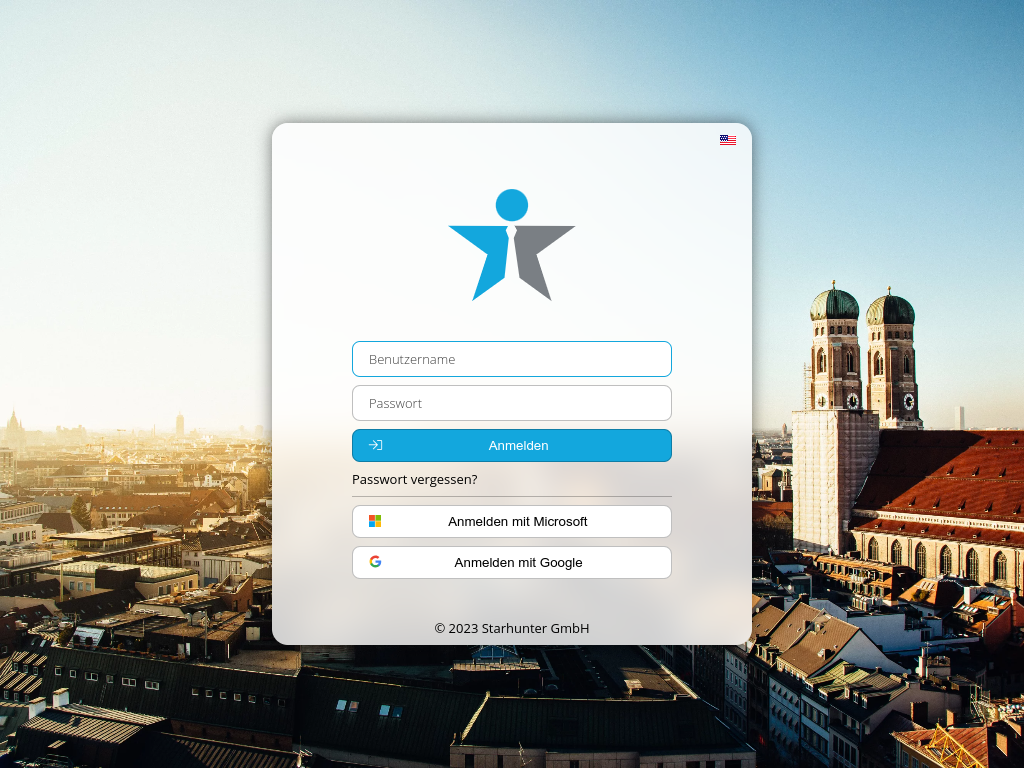
If you use Microsoft 365 or Google Workspace for work, you can now use the convenient and secure Single-Sign-On (SSO) in addition to password login.
Setup
To do this, enter your Microsoft/Google email address once in your profile in Starhunter. You can find the corresponding field in the Login section under the label Email Address for Login:
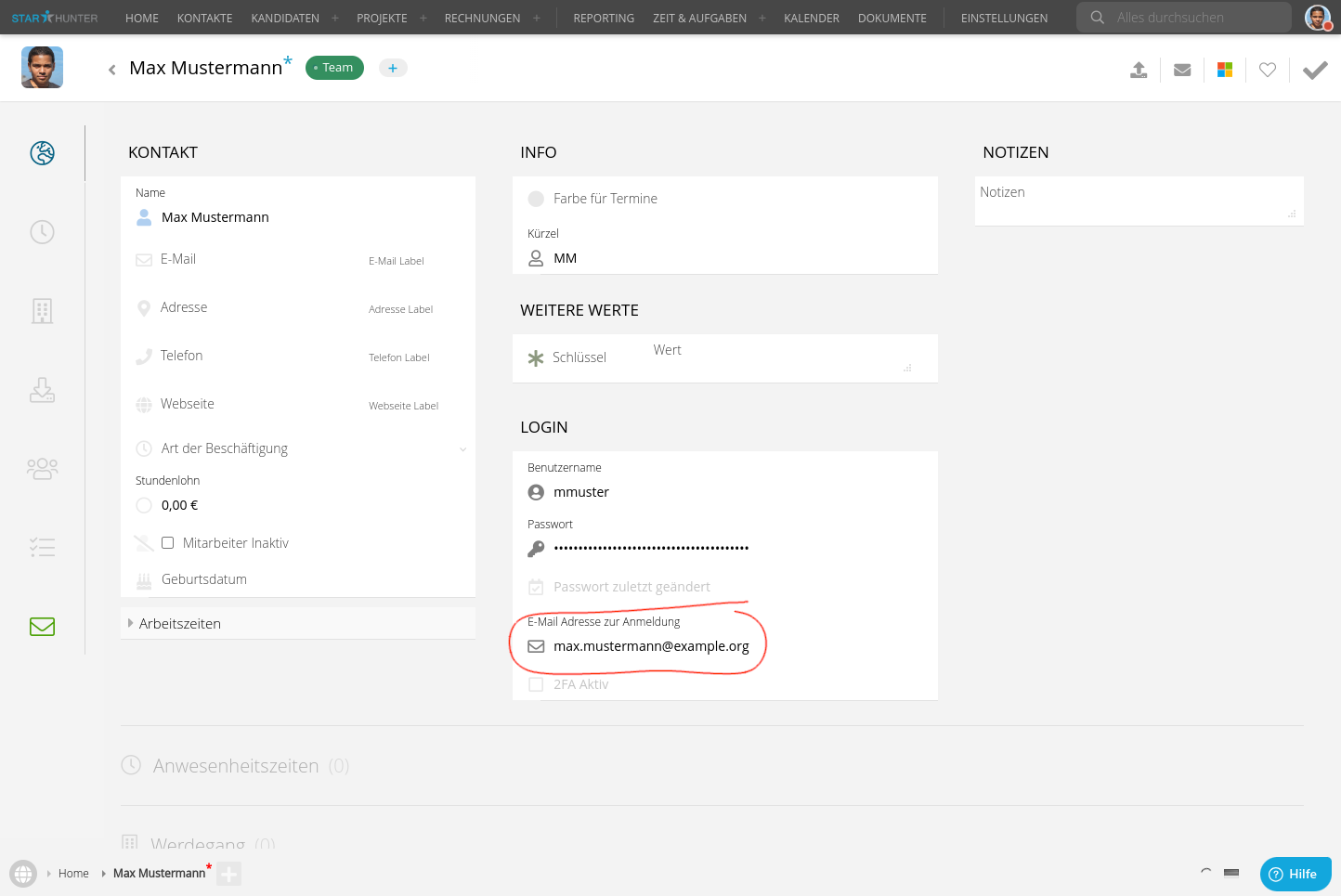
You may have multiple email addresses (or aliases) associated with your Microsoft/Google account. Please ensure that you specify exactly the address that you also use to log in to Microsoft/Google.
At your next login, you can now use SSO via the Login with Microsoft or Login with Google buttons instead of username and password.
If you are not sure which email address to use, you can find it as follows:
Microsoft
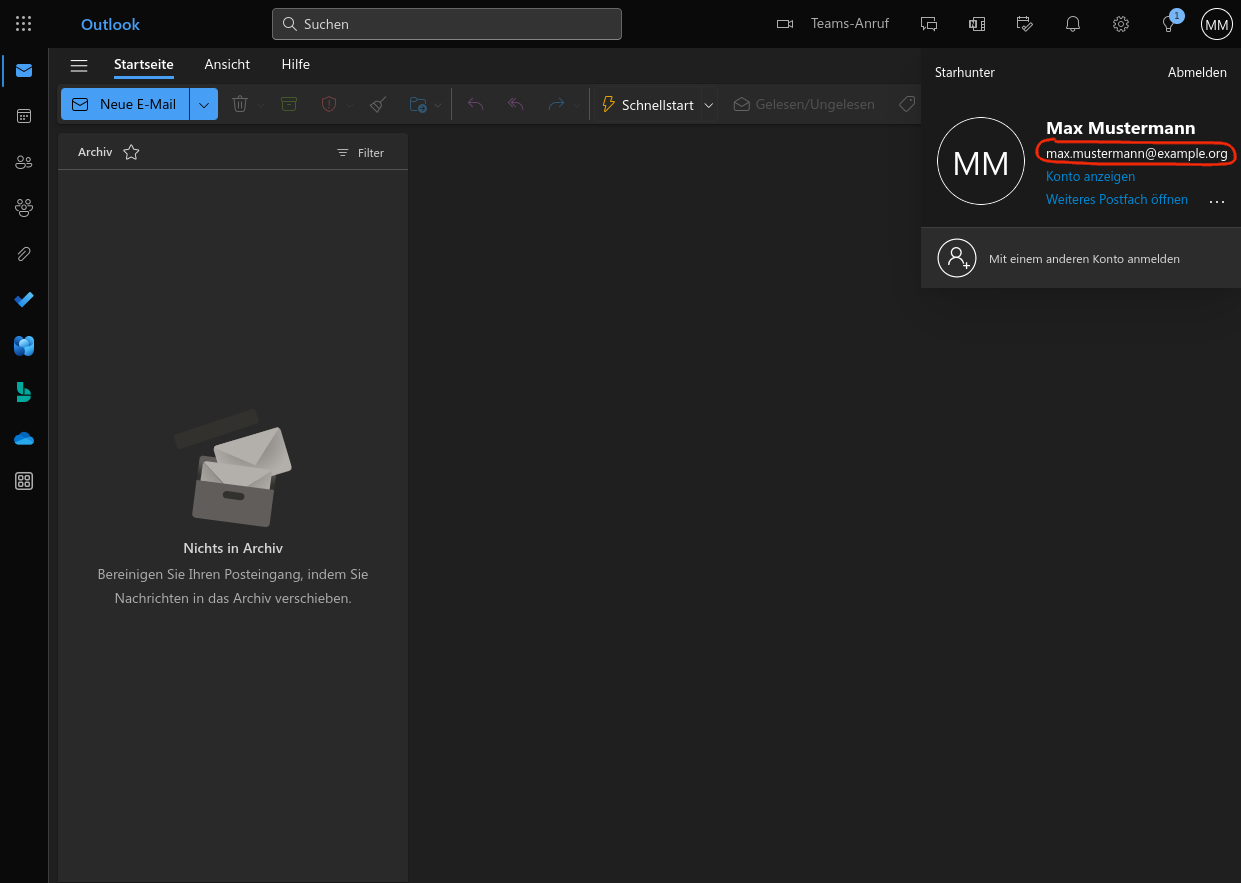
Open Outlook in your browser at https://outlook.office.com/. Click on your profile in the top right corner. The email address is located directly below your name:
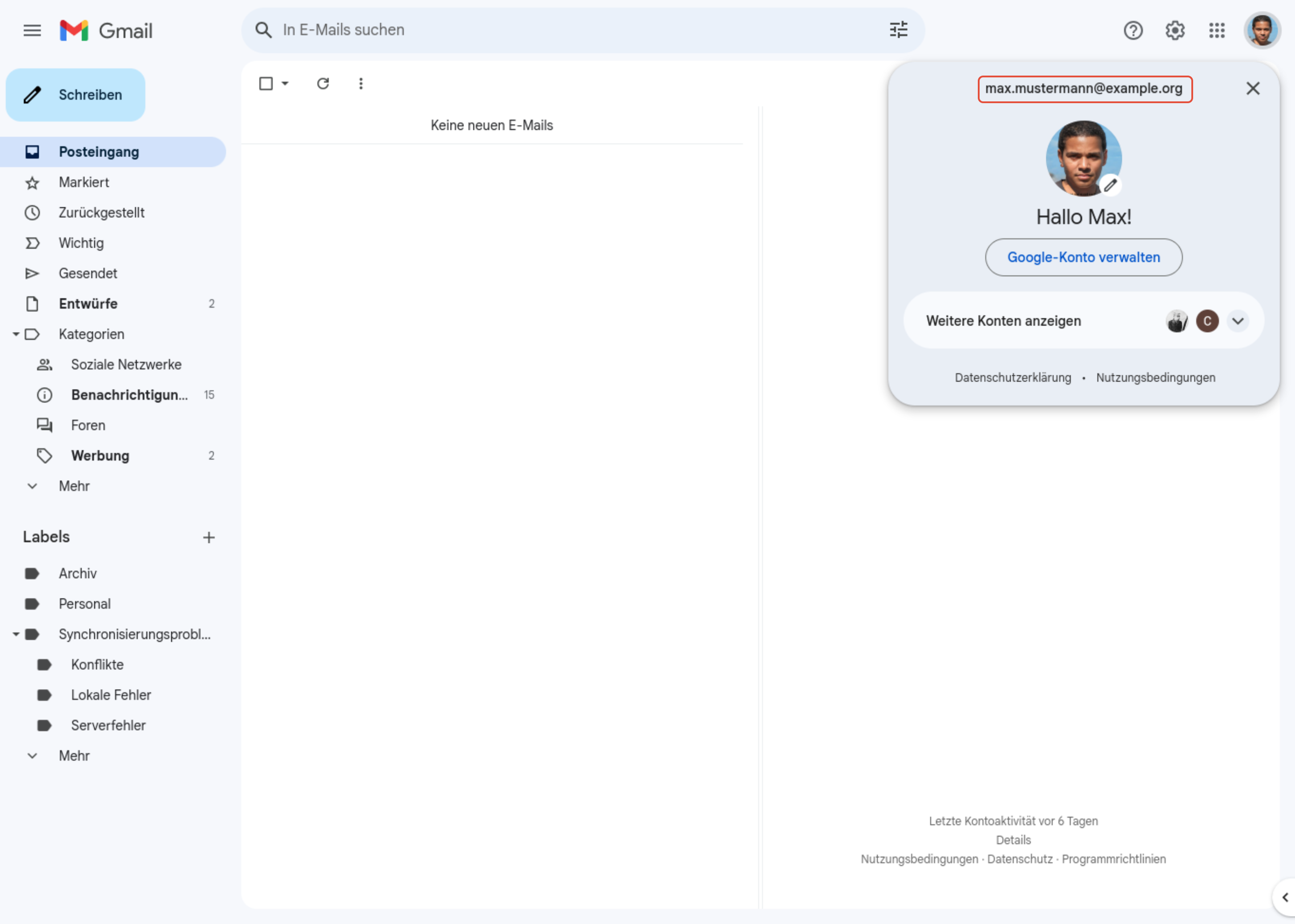
Open Gmail in your browser at https://mail.google.com/. Click on your profile in the top right corner. The email address is located above your profile picture:
Limitations
Each email address can be used for SSO in Starhunter only once. If two users in Starhunter have entered the same email address for login, SSO login is no longer possible for both users.
Was this article helpful?
That’s Great!
Thank you for your feedback
Sorry! We couldn't be helpful
Thank you for your feedback
Feedback sent
We appreciate your effort and will try to fix the article